
Ex: Determining if an IP is a Bot, TOR, or VPN
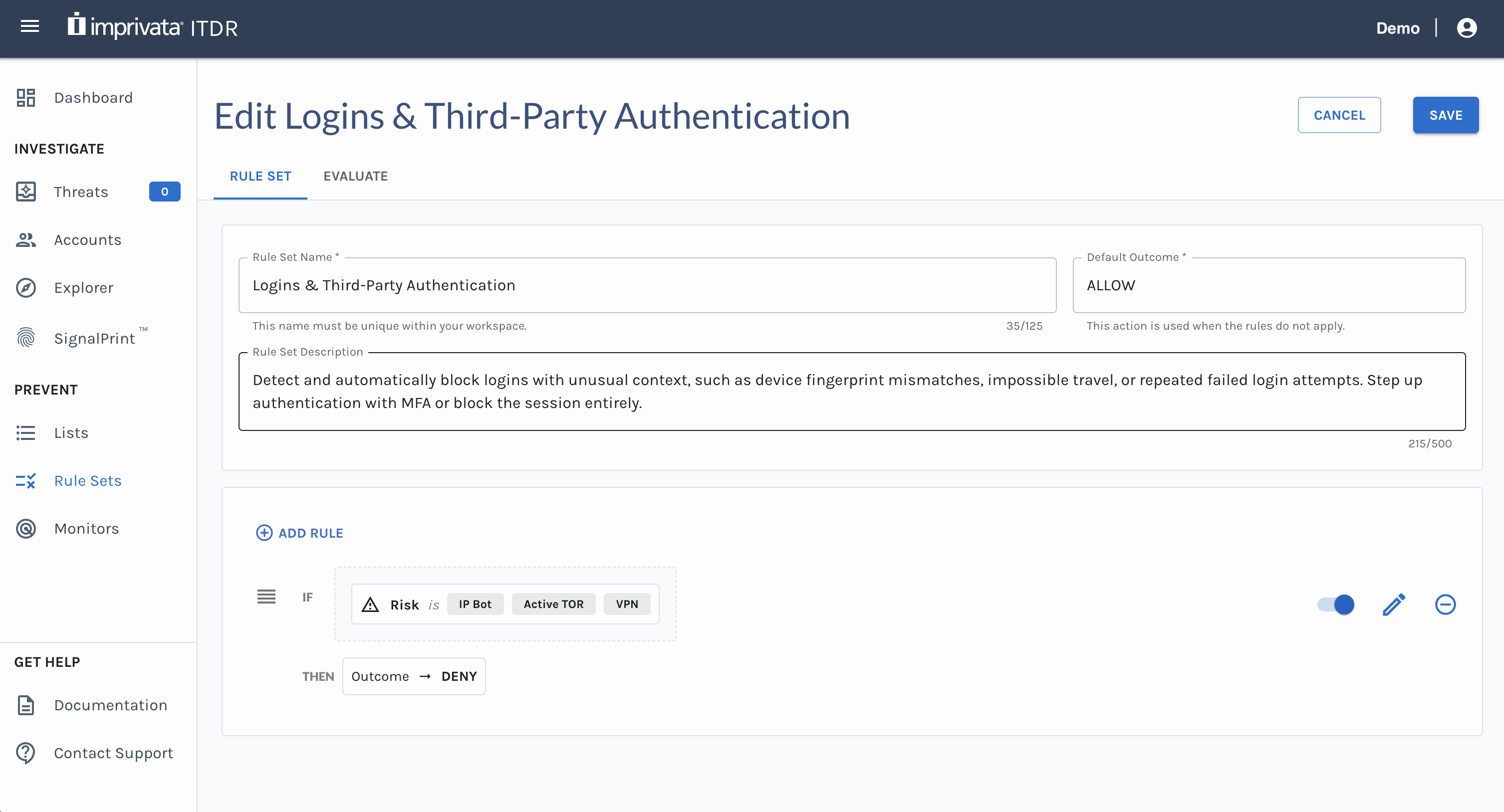
You can create a Rule Set to determine whether an incoming IP address is a known bot, TOR node, or VPN. Select an outcome that is right for your environment, such as DENY or prompt for MFA.
-
Click (+) on the Rule Sets page.
-
Enter a name and optional description for the Rule Set, and set the Default Action to DENY.
-
Click Add Rule. Enter Rules with the Risk Filters and set the Actions accordingly.
-
Optional: Click the Evaluatetab to test the rules work as expected.
-
After creating rules, click Save to save the Rule Set.
Updated 6 months ago