
Evaluations
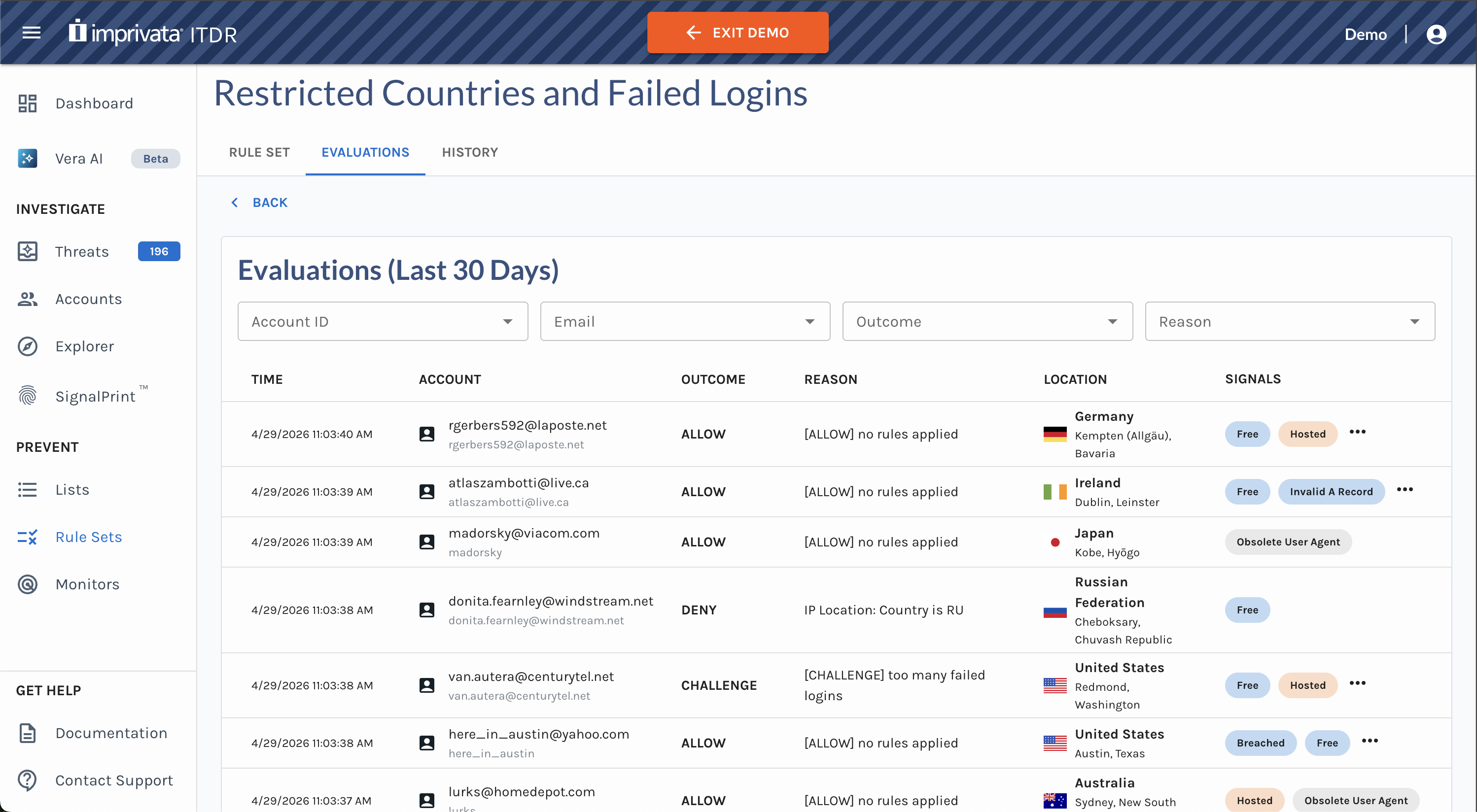
Rule Set Evaluations shows authentication activity evaluated by a specific rule set over the last 30 days. Use this tab to understand what happened during a specific authentication event without leaving the rule set context.
To view rule set evaluations:
- Open the rule set you want to review.
- Click the Evaluations tab.
- Review the evaluation table.
Use filters, such as Account, Email, Outcome or Reason, to narrow the results.
The Evaluations tab only includes rule set evaluations for active versions of a rule set. Test evaluations are NOT included in this view.
Rule Set evaluations still appear in Event Explorer for broader investigation workflows.
Updated about 1 month ago