
Restore a Previous Version of a Rule Set
Roll back changes to quickly resolve issues and restore a known-good configuration
If changes to a rule set result in unexpected behavior or an incident, you can restore a previous active version. This allows you to immediately stabilize authentication behavior and investigate what changed.
Restore a Previous Version
- Open the rule set you want to update.
- Click the Version History tab.
- Find the version you want to restore.
- Click the Rollback icon.
- Review the version in the Edit Active version page.
- Click Save.
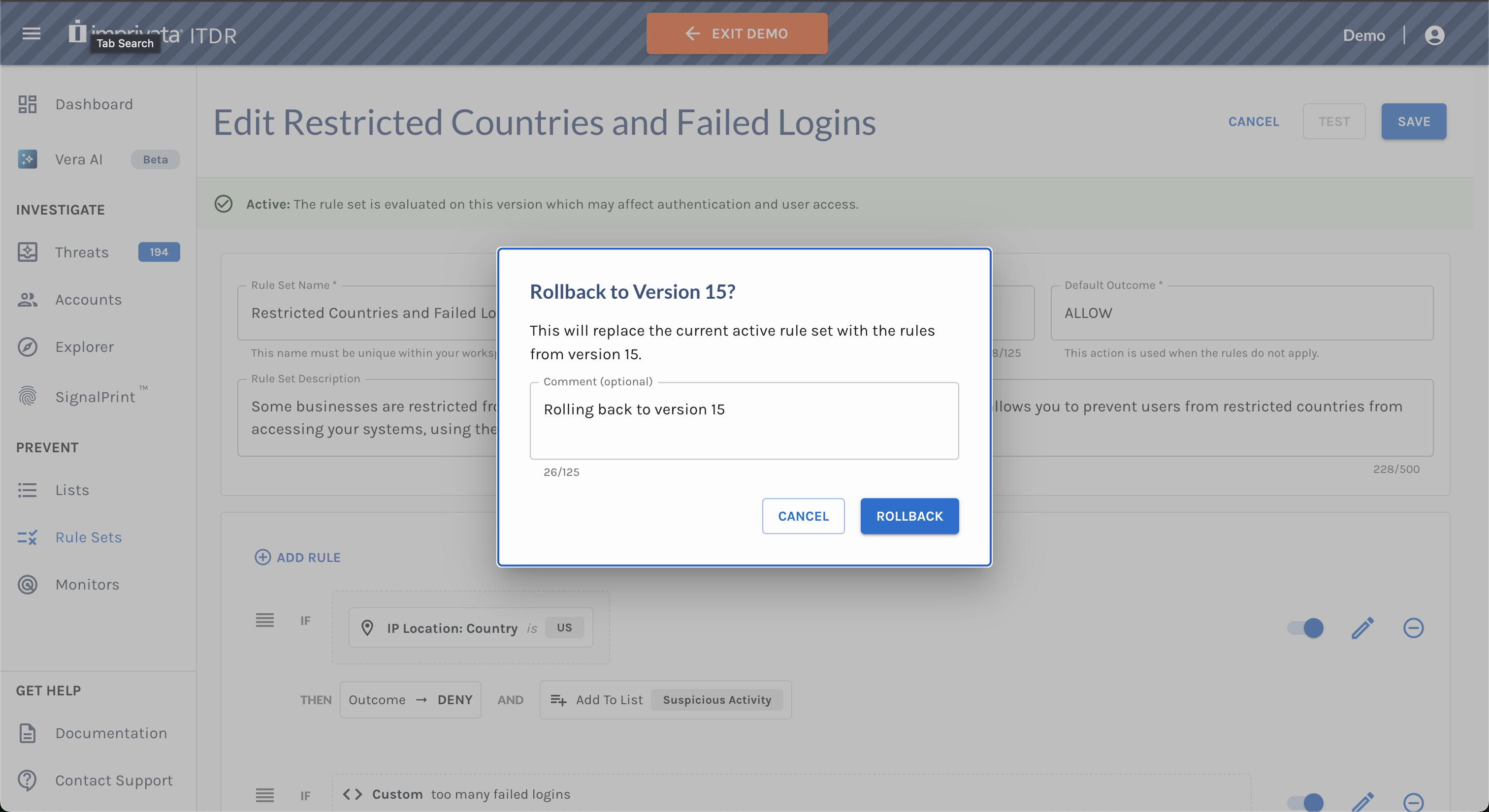
- Confirm the rollback and optionally add a comment.
Important Notes
- Restoring a version creates a new Active version
- The new version increments in number but contains the exact same rules as the version you selected to restore. Versions are immutable once created