
Test Changes to a Rule Set
Safely validate rule set changes before promoting them to production
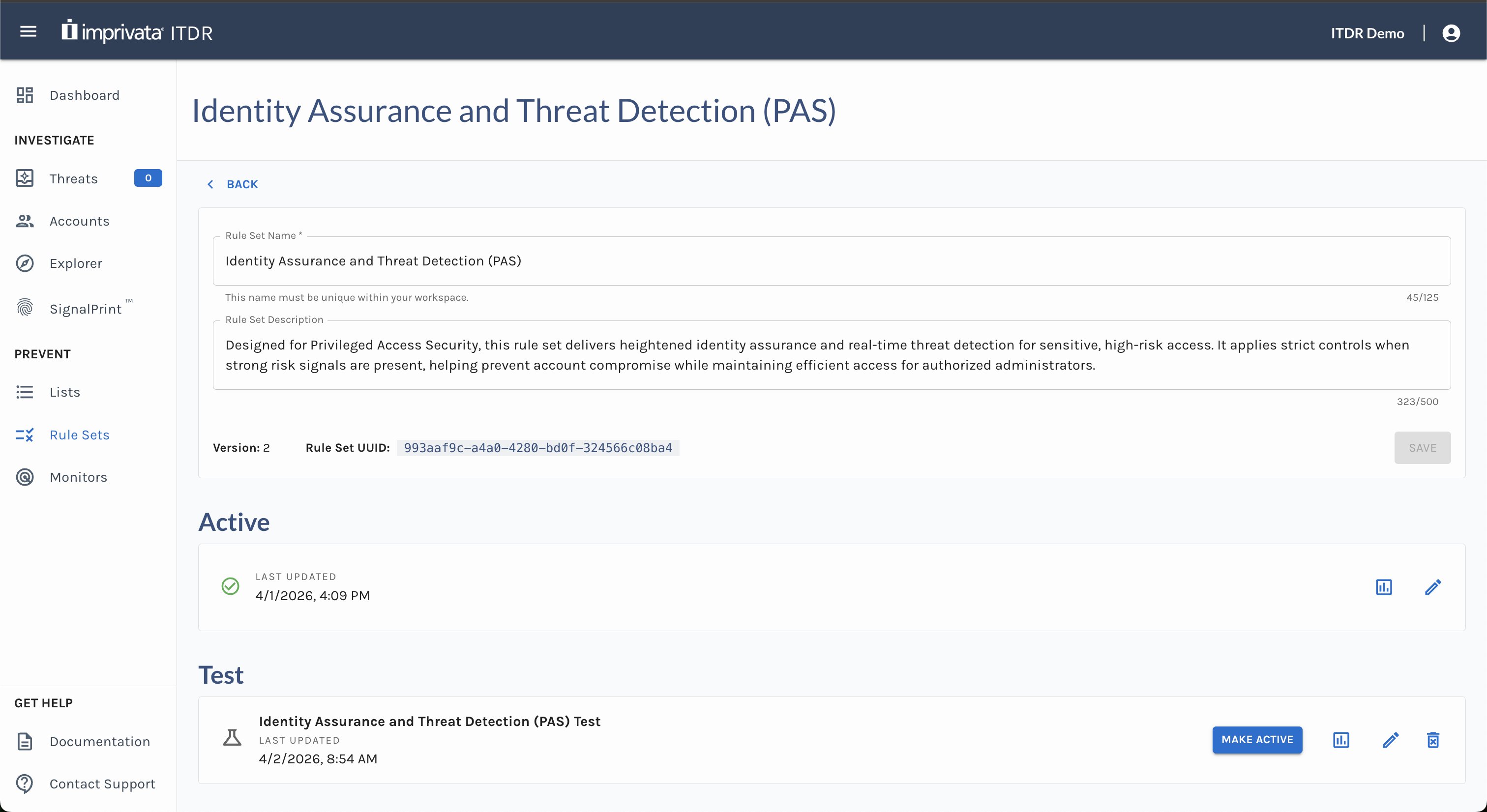
Create a Test
Testing changes to a rule set provides a safer, more predictable way to validate updates before pushing them to production and impacting users.
To create a test:
- Open the rule set you want to test.
- Click Create Test.
- Only one (1) test can exist in a rule set at a time.
- Creating a test copies the current Active rules of the rule set.
- Review and update the test configuration.
- Enter or edit the Test Name.
- Select or update the Default Outcome.
- Add, remove, enable, disable, or edit rules as needed.
- Set up Actions as needed. ⚠️ Actions configured in tests do not execute.
- Click Save.
Edit a Test
After a test is created, you can continue to update it.
- Click the Edit icon on the Test.
- Make your changes.
- Click Save.
- Confirm you want to save changes to your test.
⚠️ When you edit test rules, the test resets and starts over using the updated test rules.
Delete a Test
You can delete a test if you no longer need it.
- Open the Rule Set
- Click the Delete icon on the Test.
- Confirm the deletion. ⚠️ Deleting a test cannot be undone.
Important Notes
- Only one test can be created and run per rule set at a time.
- Actions configured in a test do not execute unless the test is promoted to active.
- Editing a test resets its results and starts the test over.
- Deleting a test cannot be undone.
Updated about 2 months ago